


Directive Blogs
3 Cool Things You Didn't Know You Could Do With Your Old USB Thumb Drive
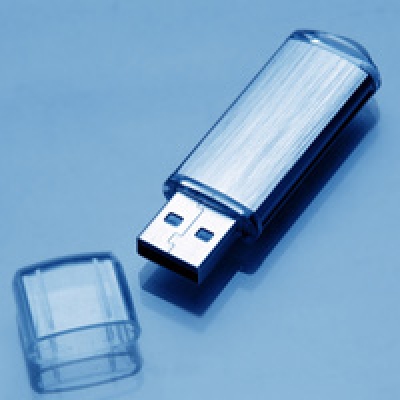
USB thumb drives are fantastic. Small, portable, fast, and highly compatible; these devices make it easy to transfer files and documents from one place to another. If you are burning the midnight oil working on a presentation or document from home, a thumb drive is a fast, cheap solution for grabbing those files and taking them from one device to another. Of course, there are plenty of other alternate ways to move files that are even easier and even more fool proof (how many of you have lost a thumb drive or let one go through the wash?), so the thumb drive has been becoming less popular for businesses. If you hate to see perfectly good technology go to waste, check out these 3 tricks that give new life to your old thumb drive.
Encrypt your Thumb Drive
Possibly one of the biggest downfalls of the thumb drive is how easy it is to lose. Keeping sensitive documents on a thumb drive was always dangerous, because losing the drive means a possible breach in security. Some drives came with security suites but they were usually more expensive and a pain to use. There are free, open-source encryption applications that can be installed on USB drives enforcing a password before accessing the data.
Make it your Tool Box
There are a handful of applications that offer portable versions that can be ran off of a USB thumb drive. Aapplications like Open Office, GIMP, Skype, and Firefox can be installed on the drive so you can access them in a pinch. While cloud and remote capabilities will let you access your workstation in a snap, it never hurts to have a backup plan in case you get somewhere with limited or no internet. What's nice about this is that the applications never store any data on the computer you are running them from; it's all saved on the thumb drive. There are plenty of free apps and gadgets at http://portableapps.com
Speed up Windows 7
If you have a fairly modern, faster USB drive, you can use it to increase the performance of your PC. If you don't have much RAM, you can enable ReadyBoost and use your thumb drive as extra memory. This will prevent you from using as much of your drive as storage, but can help boost your PC's performance if it struggles every so often.
About the author



Comments